404 page
Design the page visitors see when a link is broken.
On this page
When someone follows a broken link or mistypes an address, WordPress shows a "page not found" (404) page. A 404 page template replaces your theme's version with your own design: a friendly message, a search box and a few links back into the site, with your header and footer around it.
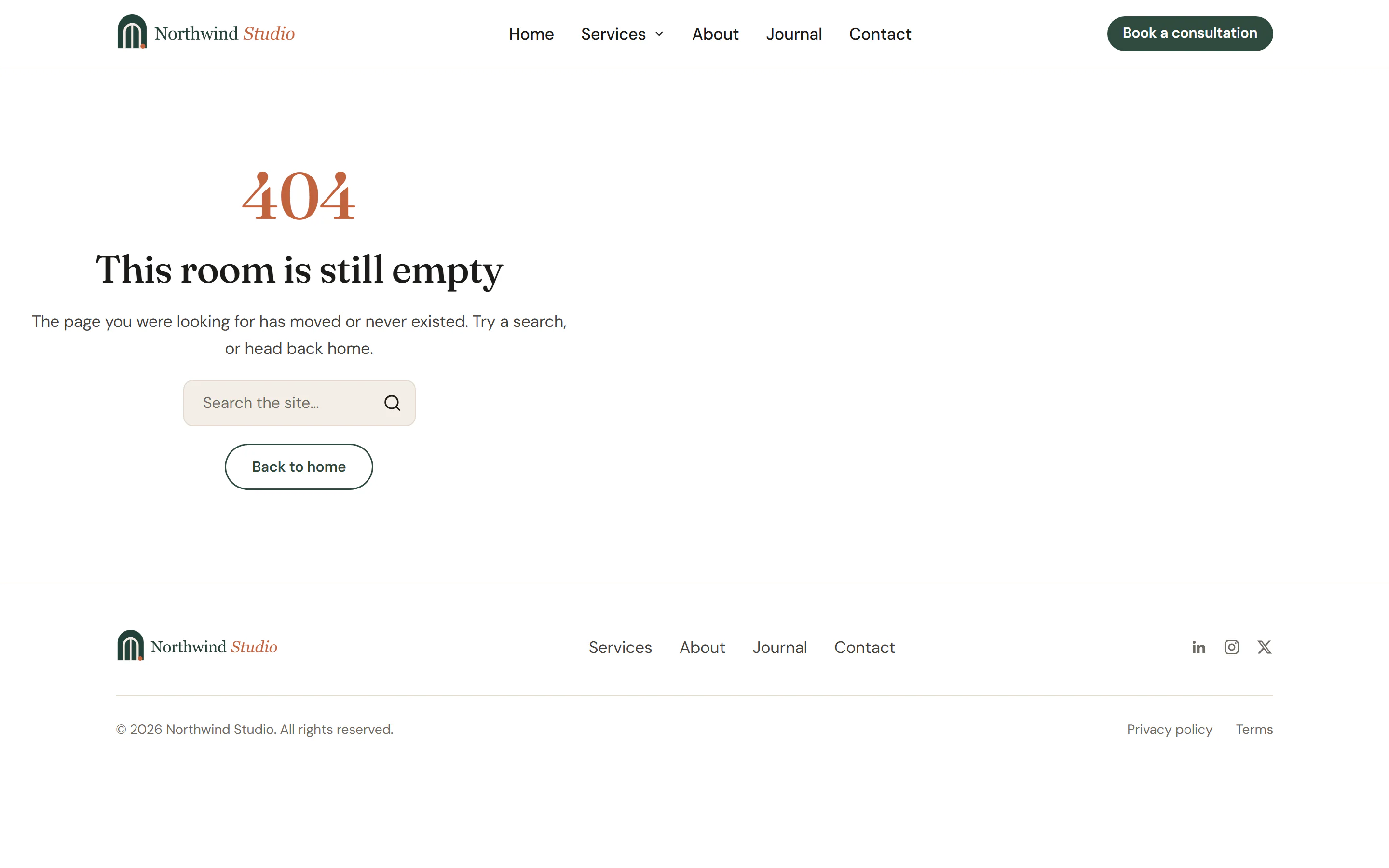
Design the 404 page
Create the template
Go to Urmi → Theme Builder → New template, choose 404 page and click Create and open editor. It applies to the 404 page once published; no other condition is needed.
Add the content
A clear heading, one or two sentences, a Search Form and a button back to the home page. Links to popular pages or a Loop Grid of your latest posts help visitors keep going.
Publish
Click Publish.
To check it, open any address on your site that does not exist, such as /this-page-does-not-exist/, or use Preview in the Theme Builder, which shows the template on a missing address. See Preview & manage templates.
Tips
- Keep it short and helpful. Visitors want to find what they were looking for, not read about the error.
- The page still sends the proper "not found" status to search engines, so broken addresses do not end up in search results.
- The header and footer templates show on the 404 page like on any other page, unless you exclude it with the 404 page rule in their conditions.