Single posts & pages
Design the layout of blog posts, pages and custom post types.
A single template is the layout around the content of each post: the title, featured image, author, date, the content itself, share buttons, related posts. You design it once, and every blog post uses it. There are three types: Single post for blog posts, Single page for pages, and Single (custom post type) for any other post type, such as projects or products.
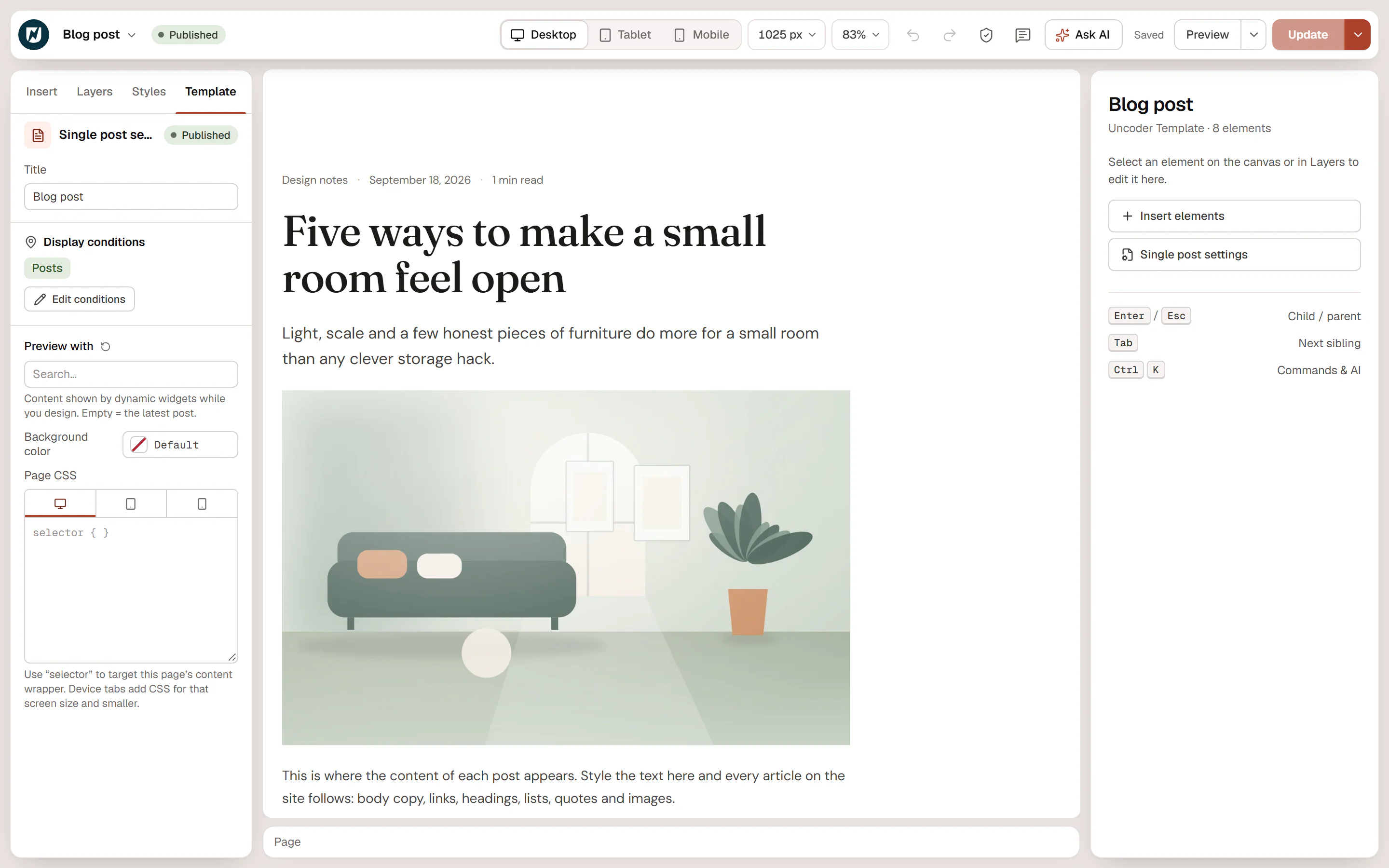
Design a blog post layout
Create the template
Go to Urmi → Theme Builder → New template, choose Single post and click Create and open editor. It will apply to all posts once published.
Add the post's parts
Use the theme widgets from the Site & theme group: Post Title, Featured Image, Post Info (date, author, categories, reading time), Post Content, Author Box, Post Navigation and Post Comments. Any other widget works too, with dynamic tags where you need post data.
Add related posts
Add a Loop Grid with Source: Related to current post and Exclude current post on. See Loop grid & carousel.
Publish
Click Publish. Every blog post now uses this layout.
Post Content shows the text and blocks of the post being viewed. Place it once. On the editor canvas it shows sample text, because the content belongs to each post; the live post shows its own.
Other widgets that suit single templates: Breadcrumbs, Table of Contents, Reading Progress, Share Buttons and a Form for enquiries.
Preview with a real post
While you design, the canvas fills the dynamic widgets with a real post. To choose which one, open the Template tab in the left panel and pick a post in Preview with. Empty uses the latest post. This only changes the editor preview.
Pages and custom post types
- A Single page template applies to all pages by default. Pages built with Urmi show their own design where you place Post Content. For most sites, leave pages without a single template and design each page directly.
- A Single (custom post type) template starts without conditions. Set one with Posts, pages & custom types and choose the post type, for example Projects.
- To give some posts a different layout, create another single template with a more specific condition, for example Posts in a category or term → Case studies. The more specific template wins. See Template conditions.
When a post has no Single post template that matches, a Single (custom post type) template with a matching condition is used instead; pages work the same way with Single page. When nothing matches, the theme's own layout stays.