Archive Description
The description of the current category, tag, author or other archive.
On this page
The Archive Description widget shows the description of the archive being viewed, such as the text you wrote for a category. Place it under the Archive Title in your archive template to introduce each category, tag or author.
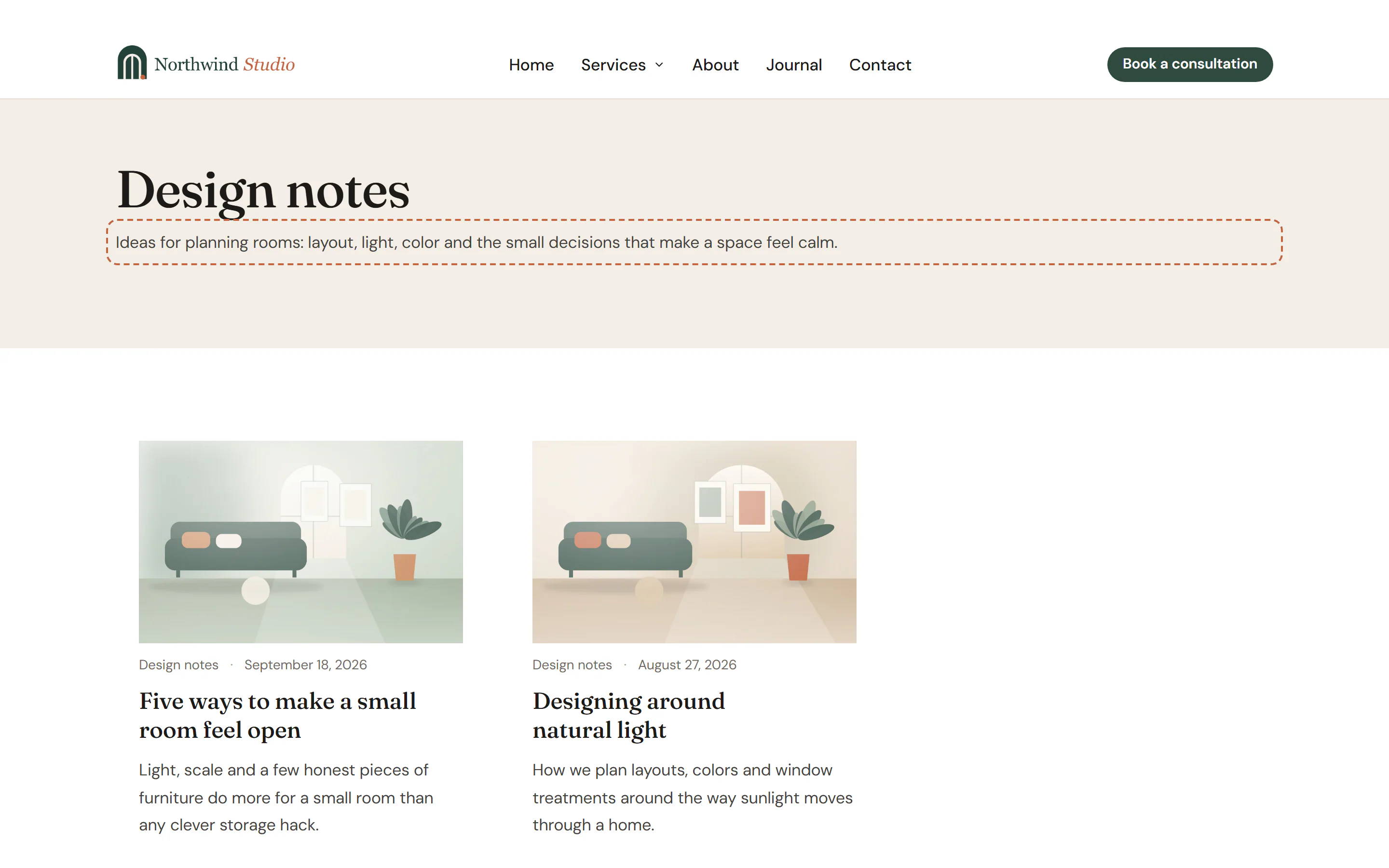
Where the description comes from
The text comes from WordPress:
- Categories and tags: the Description field in Posts → Categories (or Posts → Tags), when you edit a term.
- Other taxonomies: the term's Description field.
- Author archives: the Biographical Info in the author's profile (Users → Profile).
- Post type archives: the description of the post type, if it has one.
When there is no description, the widget shows nothing, so you can leave it in the template for every archive. In the editor, it shows a sample text so you can style it.
Add an Archive Description
Open your archive template in the Theme Builder. Then open Insert in the left panel, find Archive Description in the Site & theme group (or type "archive" in the search box) and drag it under the title. See Add elements.
Content tab settings
| Setting | What it does |
|---|---|
| Alignment | Left, Center, Right or Justify. Can differ per device. |
Design tab settings
| Section | Settings |
|---|---|
| Text | Typography, Color, Link color, Max width (keeps long descriptions at a comfortable line length), Paragraph spacing. |
The Design tab also has the sections every element shares: Spacing & position, Background & border and Mask. See Spacing, size & position.
Behaviour tab
The Behaviour tab has the settings every element shares: anchor and classes, entrance animations, motion effects, visibility per device, display conditions and interactions. See Visibility.
Tips
- A description of one or two sentences per category helps visitors, and it gives search engines useful text on archive pages.
- The Design System Lead text style suits an introduction like this. See Typography.